
TuneSnag
your songs as MP3
Search for a song, preview it and save it as MP3 with its cover art, artist and album. Free and ad-free.
Version 0.1.0 · 57 MB · Windows 10/11 · 64-bit
Everything you need, nothing more
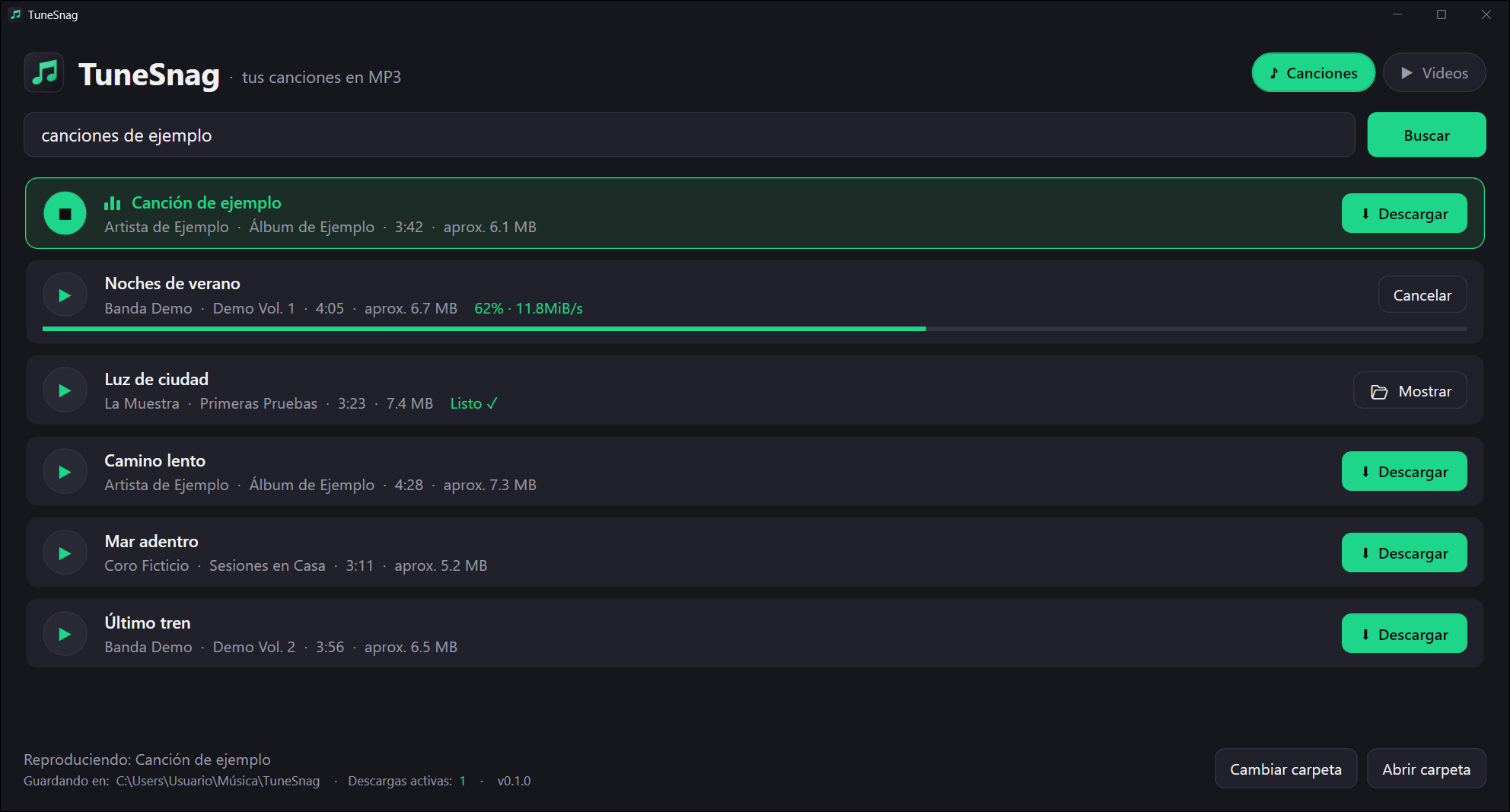
Songs mode
Gets the official album audio, without video intros or skits.
Listen before you download
Play a preview to make sure it's the version you want.
Complete MP3
Every file includes cover art, artist, album and year, ready for your player.
Free and ad-free
No accounts, no ads and no paid versions.
Installation
Requirements
- ✓Windows 10 or 11
- ✓64-bit
- ✓Internet connection
- 1
Download the installer
Click “Download for Windows” and save TuneSnag-Setup.exe.
- 2
Open it
Double-click the downloaded file.
- 3
If you see “Windows protected your PC”
Click “More info” and then “Run anyway”. The warning appears because the installer isn't digitally signed yet, not because something is wrong with it.
- 4
Follow the wizard
No administrator rights needed. When it's done, open TuneSnag from the Start menu. The first time, it downloads its components (a few seconds on a good connection); then search for a song and download it.
Support the project
TuneSnag is free and has no ads. If you find it useful, a donation helps keep it going and improving.
Ko-fi
One-time donation by card or PayPal.
Coming soonGitHub Sponsors
Monthly or one-time support with your GitHub account.
Coming soon
Frequently asked questions
How much does it cost?
Nothing. TuneSnag is free, with no ads, no accounts and no paid versions.
Why does Windows show a warning when installing it?
Because the installer isn't digitally signed yet, which costs money every year. Click “More info” and then “Run anyway”.
Where are the songs saved?
In the Music\TuneSnag folder. You can change it in the app.
Does it work on Mac or Linux?
For now, only on 64-bit Windows 10 and 11.
Can I download any song?
TuneSnag is meant for content you have the right to download. Read the legal notice.